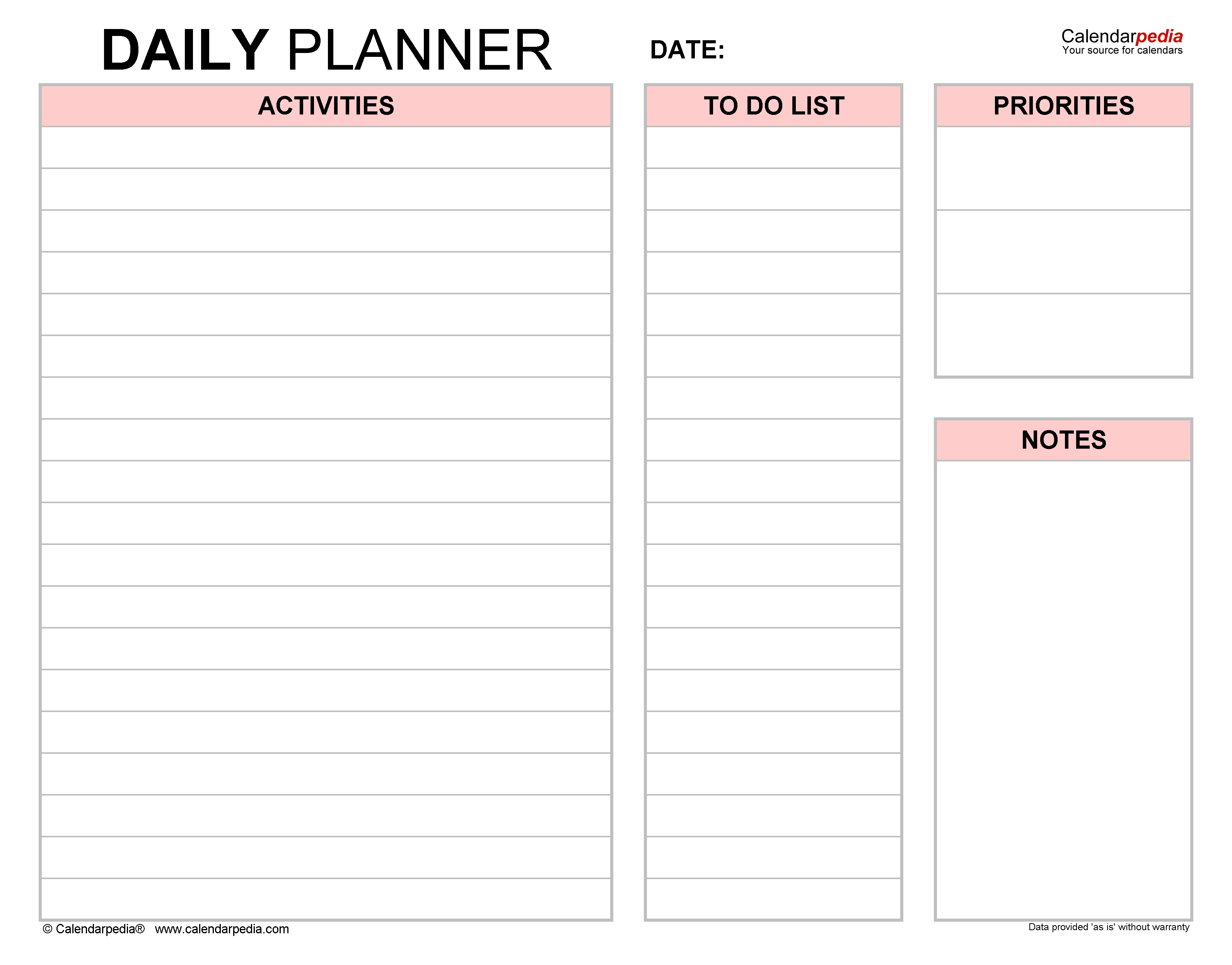
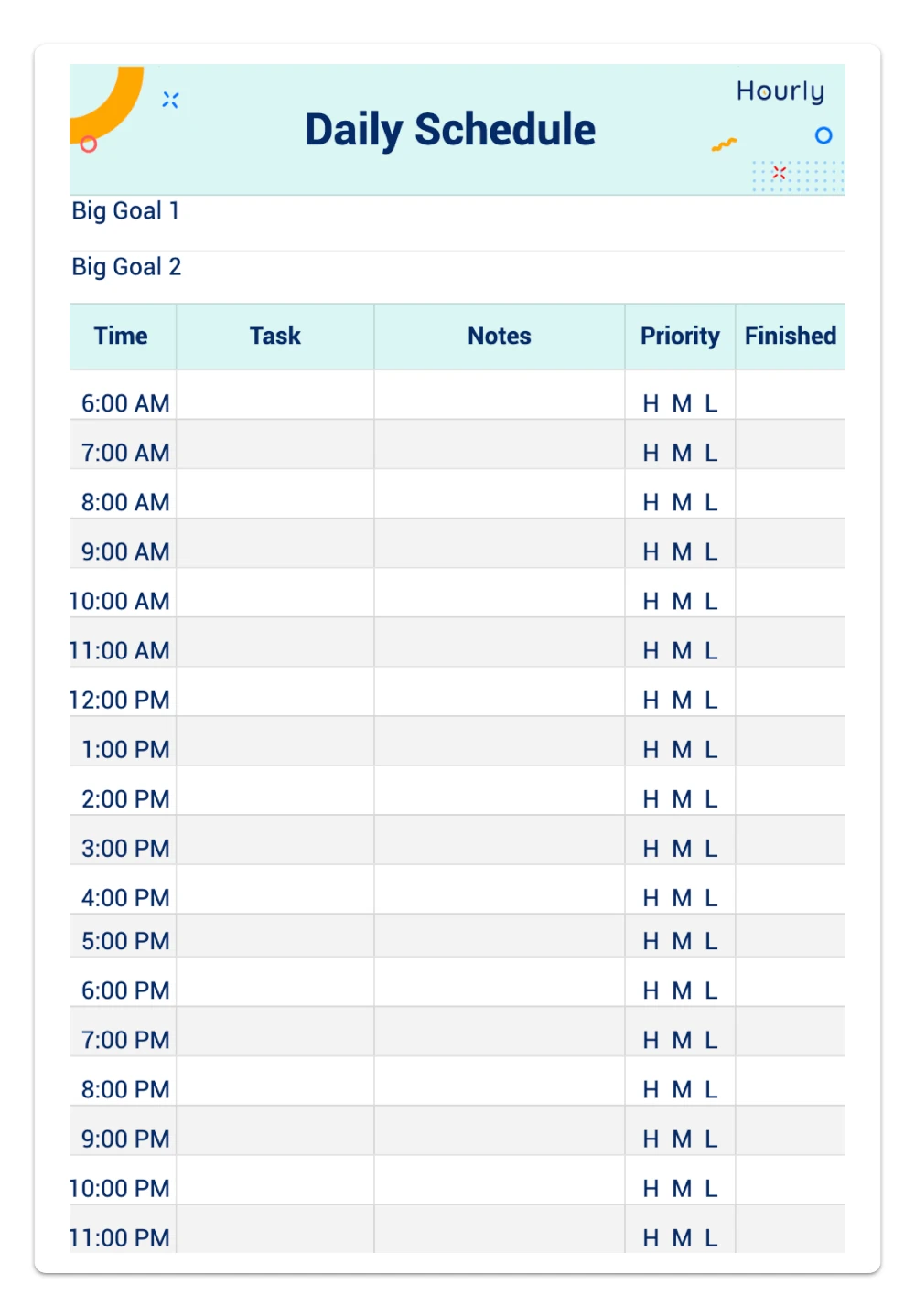
Effective scheduling is essential for maximizing productivity and maintaining organization in our daily lives. A structured daily planner can significantly enhance time management skills, allowing individuals to prioritize tasks, meet deadlines, and achieve personal goals. Utilizing an Excel template for this purpose not only simplifies the planning process but also offers a customizable solution tailored to individual needs.
Understanding the Benefits of Using an Excel Template
Using an Excel template for scheduling comes with numerous advantages:
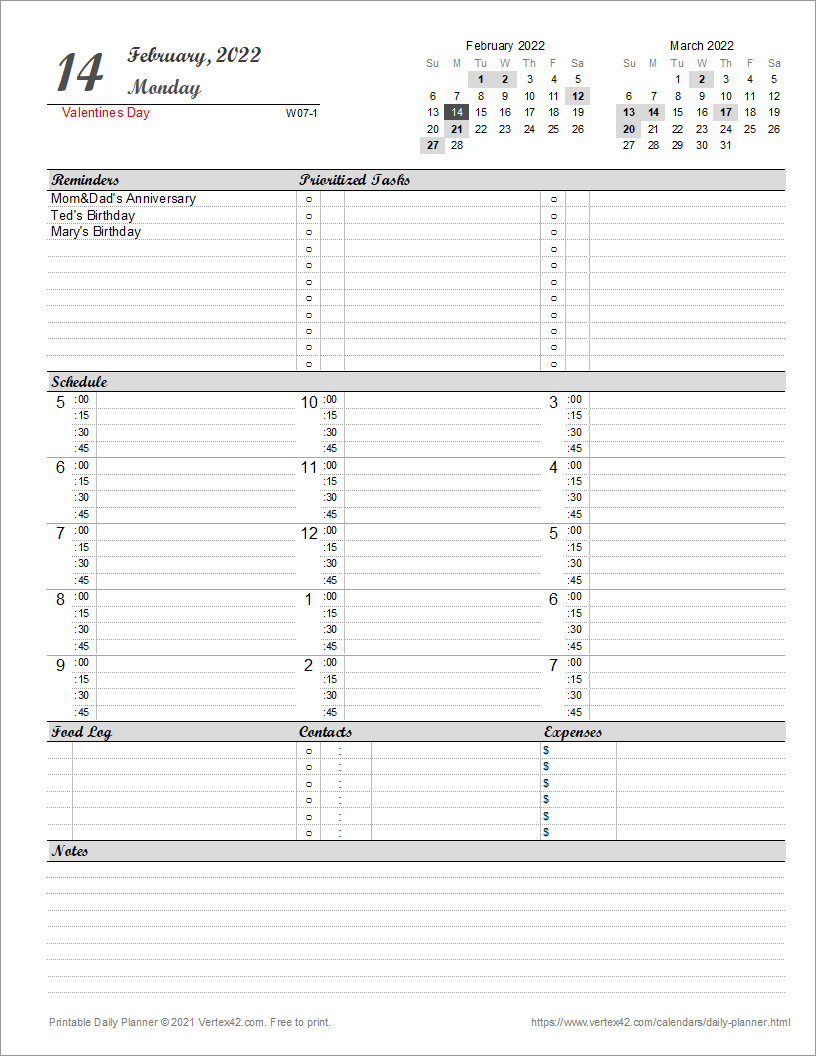
- Customization Options: Users can modify the template to suit their specific requirements, including adding or removing time slots and categories.
- Ease of Use: Excel’s user-friendly interface allows for quick adjustments and updates, making it accessible for everyone.
- Accessibility: Excel files can be easily shared and accessed across devices, ensuring that your schedule is always within reach.
Examples of scenarios where a daily schedule planner can be beneficial include:
- Managing work tasks and deadlines.
- Organizing school assignments and study sessions.
- Balancing personal commitments such as appointments and family activities.
Features to Look for in a Daily Schedule Planner Template
An effective Excel planner should include several key features:
- Time Slots: Clearly defined time intervals help users allocate their time efficiently.
- Task Categories: Organizing tasks by category (work, personal, etc.) enhances clarity.
- Color Coding: Visual differentiation of tasks can improve quick recognition and prioritization.
- Space for Notes: Additional notes allow users to jot down reminders or important details related to tasks.
Personalizing templates can further enhance usability. Users can adjust colors, fonts, and layouts to create a planner that resonates with their style and preferences.
How to Create Your Own Daily Schedule Planner in Excel
Creating a basic daily schedule planner in Excel involves the following steps:
- Open Excel: Start a new workbook.
- Create Headers: Label columns for time slots, task categories, and notes.
- Format Cells: Adjust cell sizes for better visibility and organization.
- Add Formulas: Incorporate formulas for automatic calculations if needed (e.g., total hours planned).
- Add Visual Elements: Consider including charts or graphs to visualize task distribution or time allocation.
As you design your template, think about your unique scheduling requirements. Tailoring the planner will make it a more effective tool for managing your time efficiently.
To maintain consistency with your daily schedule planner, set aside dedicated time each day or week to review and update it. As life evolves, be open to adapting your planner to meet new challenges and priorities. Take action today by implementing your new planner and watch your productivity soar!